%cd ../home/jim/Projects/ITP/pdsThe second step of this project is to access the Google Street View data and organize it in a suitable format. In my project plan my target was to reach this goal by February 21st (last Wednesday). Although I have accomplished a lot, I have not achieved all of the things I wanted to achieve for this milestone. I expect to hit it by next week at the latest.
Here’s what I have achieved.
First, I can download all of the relevant data from Google. This includes all of the panorama image data and meta data. I can also access the panorama ids for the neighboring locations. All of the metadata is stored in a database.
%cd ../home/jim/Projects/ITP/pdsfrom common import db
data = db.dump_database()
data.head(1).T| 0 | |
|---|---|
| pano_id | h43_C8RtuVS-eyaBTeDuLw |
| road_argb | 2164127858 |
| road_description | Broadway |
| description | 719 Broadway |
| lat | 40.7293 |
| lng | -73.9935 |
| pano_date | 2017-09 |
| elevation_egm96_m | -14.6791 |
| elevation_wgs84_m | -14.6791 |
| links | [('4ElQmDQdNK49Kc_Mxjp1Tw', 31.38), ('6pXUO87O... |
| link_count | 2 |
| download_date | 2018-02-27 23:31:03 |
| job_name | test |
| metadata_complete | Y |
| tiles_complete | Y |
Below are the database table column names.
data.columns.tolist()['pano_id',
'road_argb',
'road_description',
'description',
'lat',
'lng',
'pano_date',
'elevation_egm96_m',
'elevation_wgs84_m',
'links',
'link_count',
'download_date',
'job_name',
'metadata_complete',
'tiles_complete']The download code is written in such a way that the download job can be paused and resumed at a later date. This will be essential later if I hit the Google Street View API download limit of 25,000 requests per day.
The raw image files are stored in an image directory. The filenames contain the panorama id and the heading/pitch of the image. There are 6 images for each panorama id.
!ls -l data/images/test/ | head -6total 18460
-rw-rw-r-- 1 jim jim 73127 Feb 27 23:32 0G-deBj1AdAD4afV_n-ARQ_000_000.jpg
-rw-rw-r-- 1 jim jim 72587 Feb 27 23:32 0G-deBj1AdAD4afV_n-ARQ_000_090.jpg
-rw-rw-r-- 1 jim jim 46300 Feb 27 23:32 0G-deBj1AdAD4afV_n-ARQ_000n090.jpg
-rw-rw-r-- 1 jim jim 66686 Feb 27 23:32 0G-deBj1AdAD4afV_n-ARQ_090_000.jpg
-rw-rw-r-- 1 jim jim 69896 Feb 27 23:32 0G-deBj1AdAD4afV_n-ARQ_180_000.jpg
ls: write error: Broken pipeHere’s one of those image files. The heading of this file is 0 degrees, meaning the camera is pointing directly north.
from IPython.display import Image

with open('data/images/test/0G-deBj1AdAD4afV_n-ARQ_000_000.jpg', 'rb') as f:
    img = f.read()

Image(img)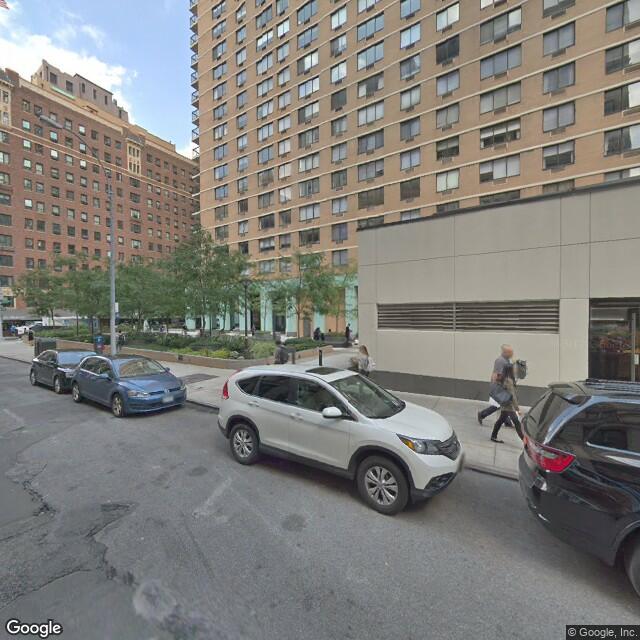
Observe the image is 640x640 pixels.
I can also look directly east:
from IPython.display import Image

with open('data/images/test/0G-deBj1AdAD4afV_n-ARQ_090_000.jpg', 'rb') as f:
    img = f.read()

Image(img)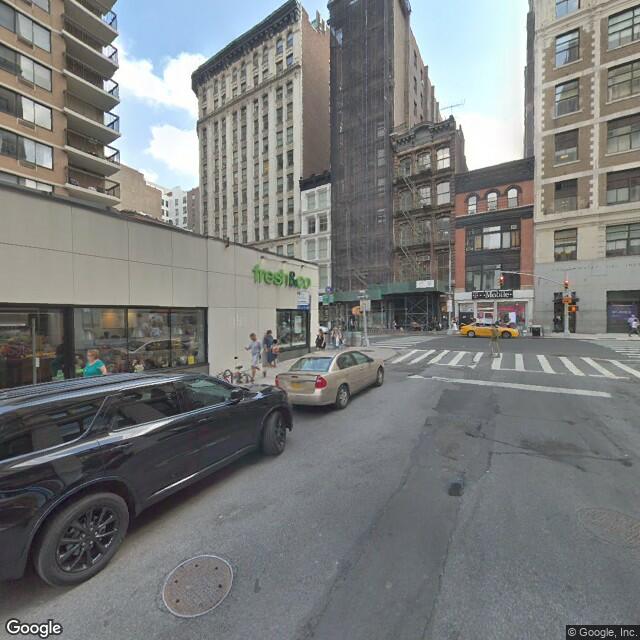
Or straight up:
from IPython.display import Image

with open('data/images/test/0G-deBj1AdAD4afV_n-ARQ_000_090.jpg', 'rb') as f:
    img = f.read()

Image(img)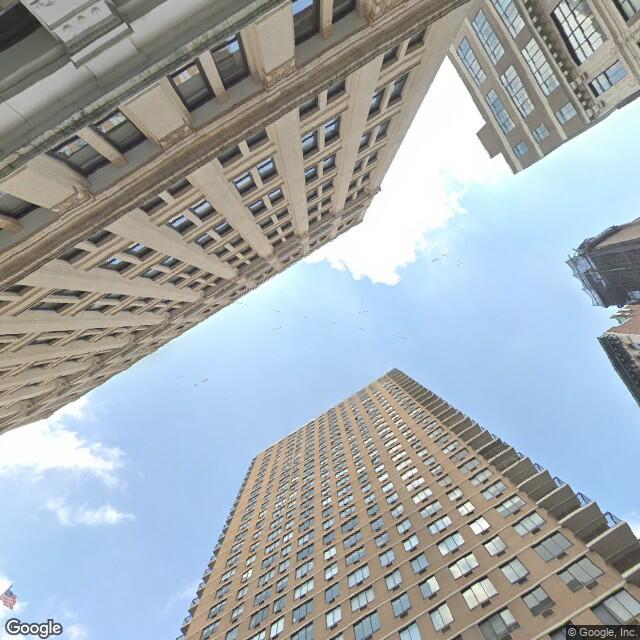
And so on. The 6 directions are north, east, south, west, up, and down.
Of course I probably don’t want to use these same directions for my project. That’s why I wrote code that will assemble these 6 images into any image I want. Observe:
from sequencing import assembler

planar = assembler.Planar('test', 2000, 1000, 500, 60)

planar.generate('0G-deBj1AdAD4afV_n-ARQ')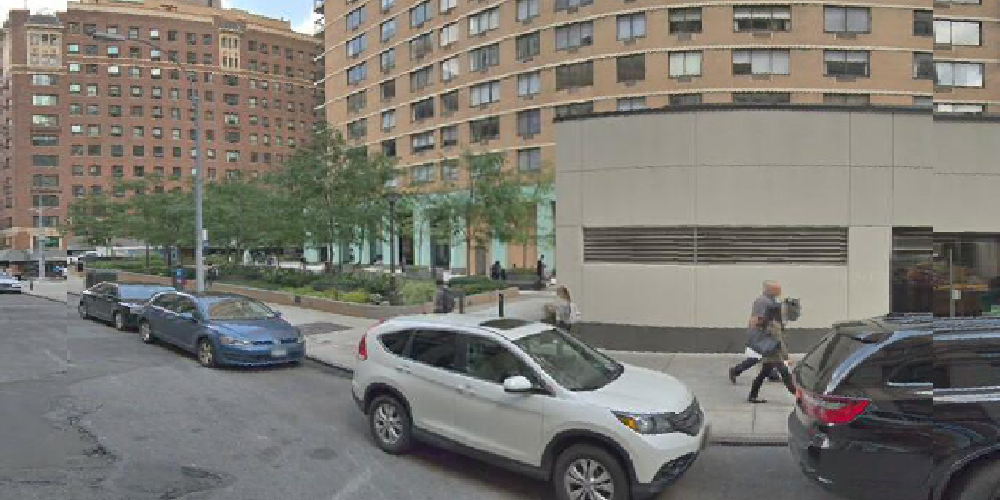
My code allows me to change the heading to arbitrary values. Here’s that same location turned to the left 60 degrees:
import numpy as np

planar.generate('0G-deBj1AdAD4afV_n-ARQ', heading=np.deg2rad(-60))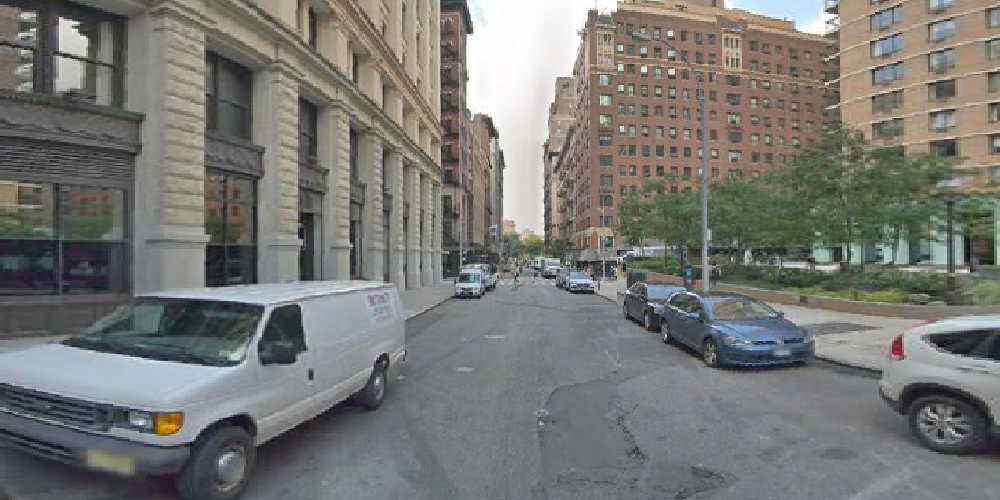
Both of these pull pixels from multiple images and assemble them into one single image.
This is a lot of functionality, but you might be wondering why I went through through the trouble to code it this way. Why not download the image data for the orientations I want to use? Why download images for the fixed directions north, east, south, west, up, and down if I need to re-orient everything later?
The reason is because downloading data is slow, and I only want to download data for a location one single time. This approach allows me to decide later what orientations I want. I can manage data problems steming from the Google Street View car’s actual recording path or other data idiosyncrasies. I can make larger images that have an aspect ratio of something other than 1:1, and I can change my mind about this as many times as I please.
And another reason is I wanted to do this:
equi = assembler.Equirectangular('test', 2000)

equi.generate('0G-deBj1AdAD4afV_n-ARQ', heading=np.deg2rad(-60))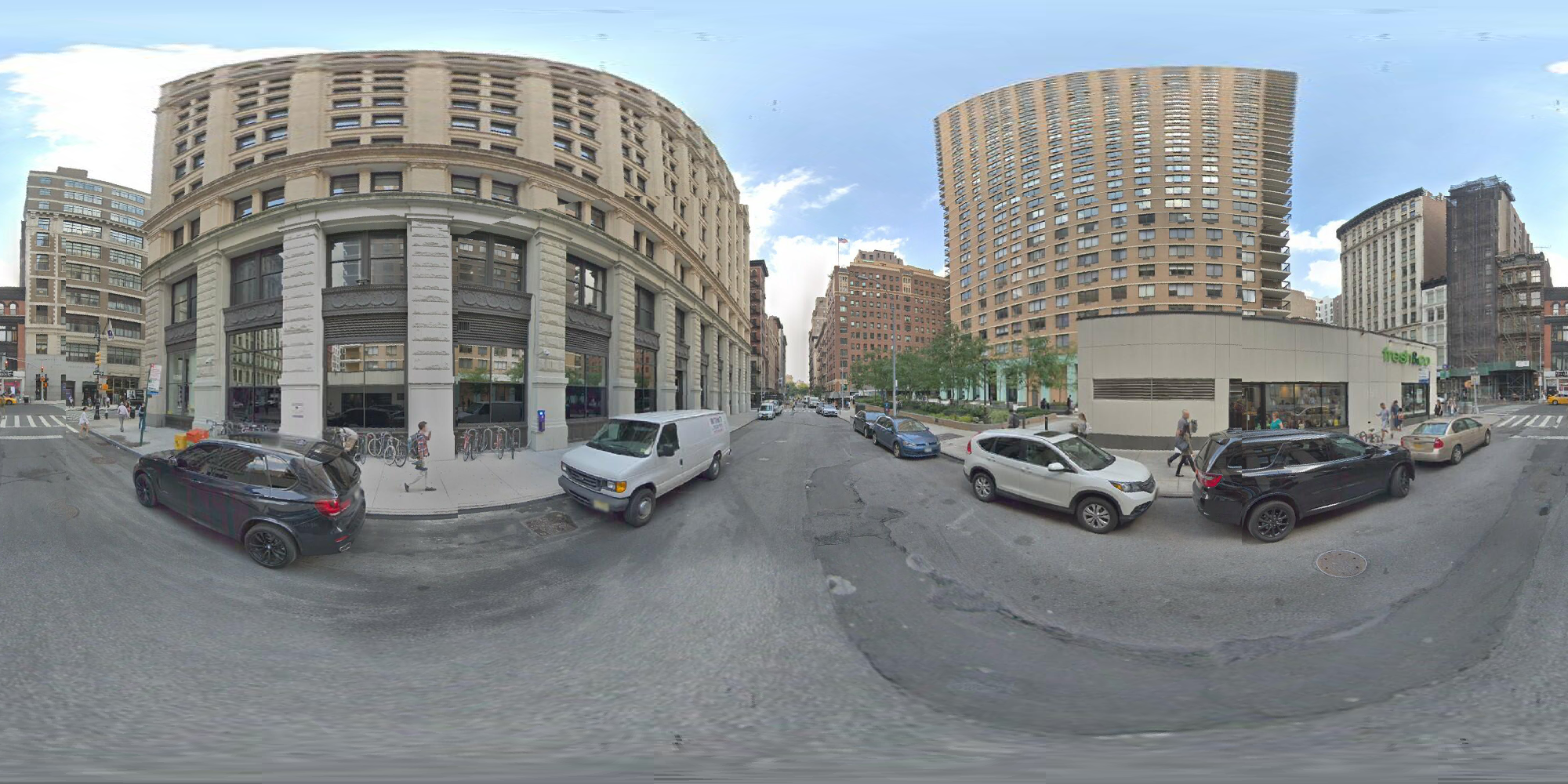
That’s a valid equirectangular projection, similar to what a 360 degree camera will give. If I get a series of these in a sequence I can make a 360 video.
And here’s the best part of my code:
%time img = planar.generate('0G-deBj1AdAD4afV_n-ARQ', heading=np.deg2rad(-60))CPU times: user 180 ms, sys: 0 ns, total: 180 ms
Wall time: 179 ms%time img = equi.generate('0G-deBj1AdAD4afV_n-ARQ', heading=np.deg2rad(-60))CPU times: user 247 ms, sys: 4.2 ms, total: 252 ms
Wall time: 250 msBoth images can be assembled in a fraction of a second. That’s fast!
The code to do all of this is modeled after similar code used in my Camera3D library. The code is non-trivial but since I did it before I had working code I could model my Python code after. The basic idea is the same except I had to use several layers of numpy’s advanced indexing to operate the lookup tables.
The performance improvement of my approach is significant. A naive implementation would take at least a minute for a single image.
I have more work to do.
networkx library to do necessary data cleaning and inspection.While doing the above work I learned some things about this data. This will shape what I can and cannot achieve.
Good Google Street View data will be data for highways in the midwest or other locations with roads in a wide open space. Also, non-road data like Google’s trip down the Amazon or the Colorado river. Other locations like inside historic buildings might be useful but I will have to use them differently.